
Help website visitors describe what they need, explore current property inventory through LoyalMLS, refine their search, save useful results and request assistance—all through a multilingual conversation.
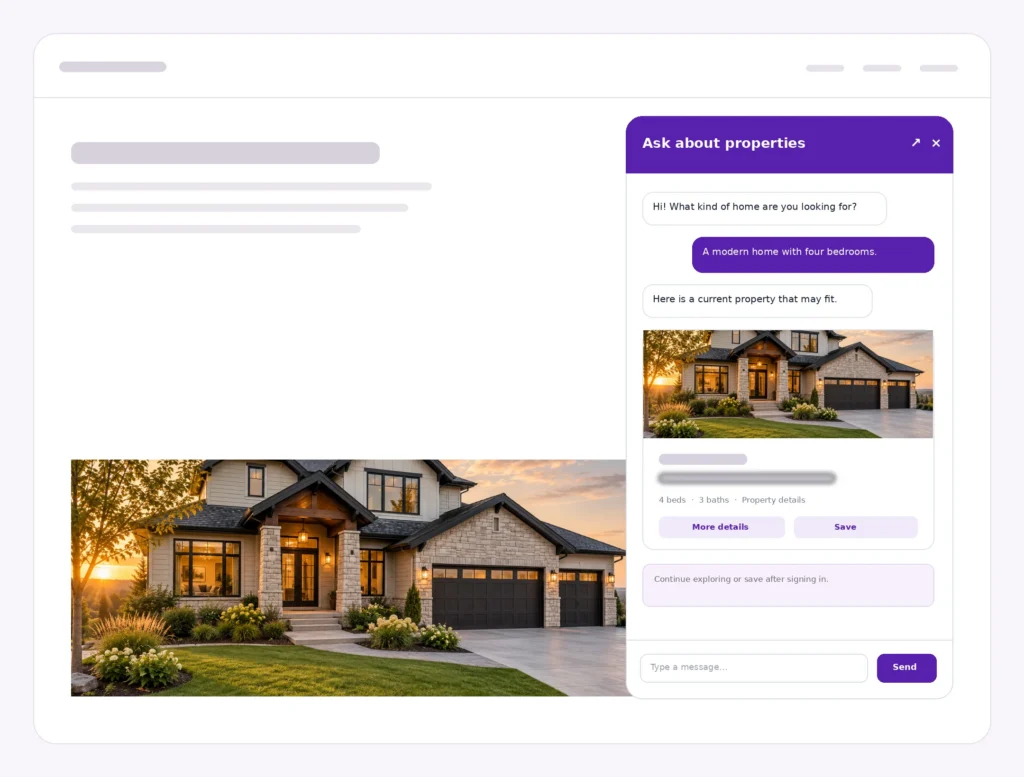
Compact or expanded property conversation
No sensitive listing data shown
Visitors see one simple assistant. Behind it, LoyalChat works with LoyalMLS for property discovery and can use LoyalCRM for selected follow-up actions.
LoyalChat Real Estate Edition requires LoyalMLS for property-search and listing-result features.
Guides the conversation, understands property requirements and keeps the active search context available as visitors refine what they need.
Provides the current property inventory used for conversational search, listing results, favorites and saved searches.
Supports eligible agent follow-up, contact activity and property-visit requests when the connected CRM capability is enabled.
Visitors can begin in everyday language, review matching property cards and refine location, price, bedrooms or other enabled criteria without repeating the entire request.
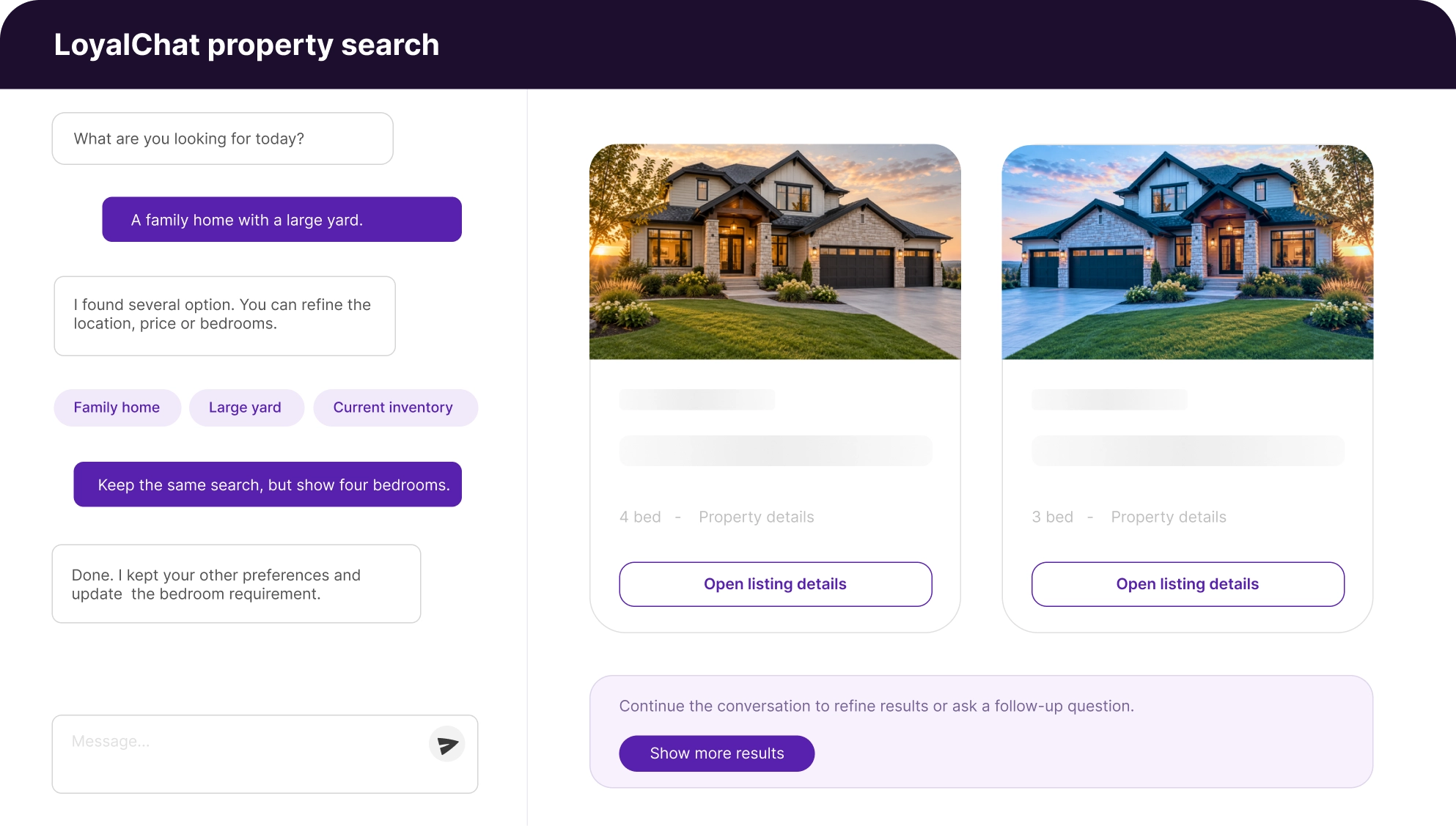
Signed-in visitors can keep useful property results. When LoyalCRM capability is available, selected requests can be passed to the team for follow-up.
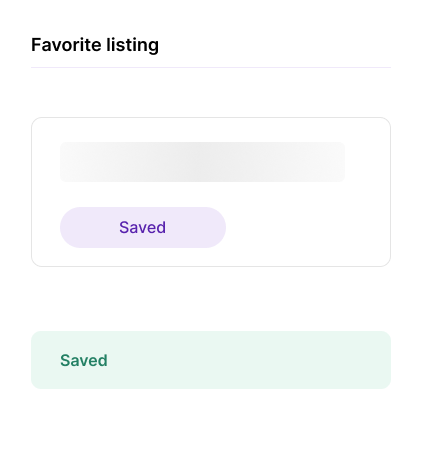
Signed-in visitors can keep properties they want to revisit inside their dashboard.
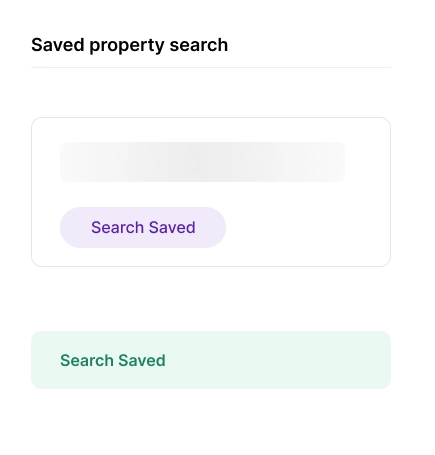
Visitors can save current criteria and manage searches in their LoyalMLS account
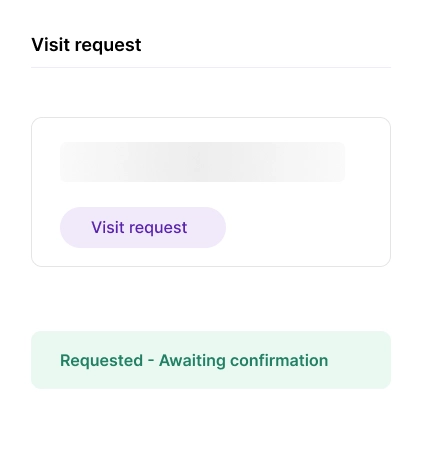
When enabled, send a follow-up or property-visit request through LoyalCRM
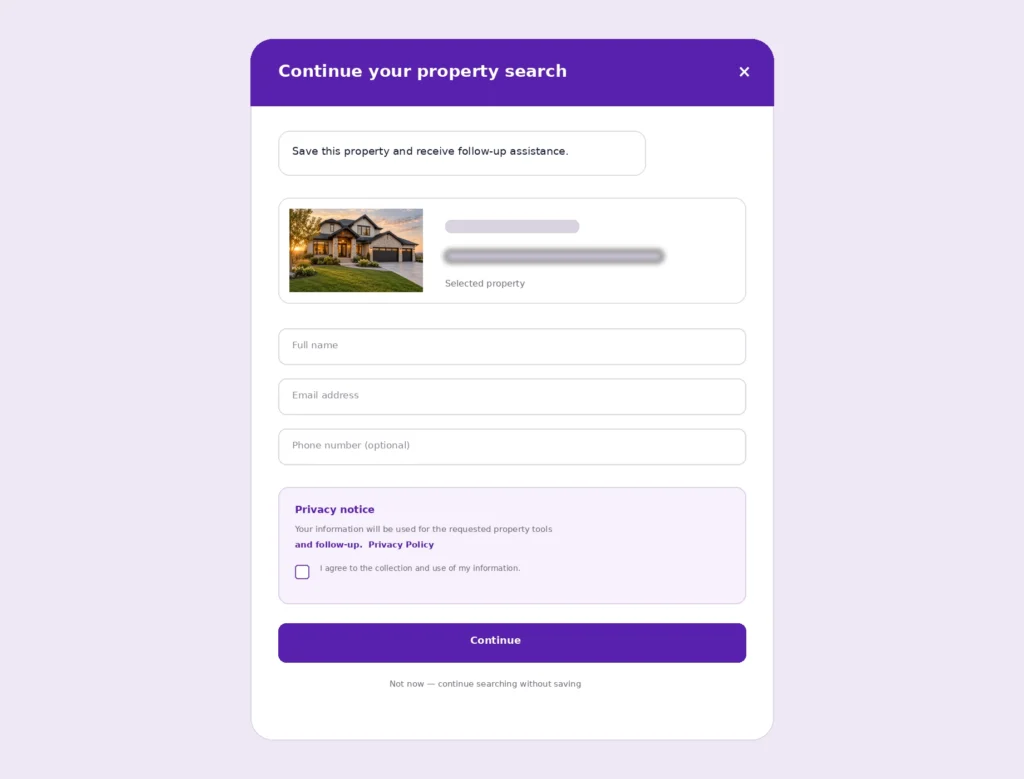
LoyalChat can request contact information at a configured point in the journey. Known signed-in details can be reused, while visitors who decline consent can continue property searches without lead-dependent actions.
Show the privacy notice and Privacy Policy before collecting information.
Require explicit consent and record its timestamp and applicable policy version.
Keep property discovery available when a visitor chooses not to share personal information.
LoyalChat can continue the active search and answer useful general questions without presenting itself as a licensed professional or a guaranteed live local-data source.
Detect and continue in the visitor’s language while translating property criteria into the configured search.
Provide general informational guidance that helps visitors understand common real estate topics.
Answer general financing questions without replacing advice from a qualified lender or financial professional.
Discuss general area considerations without guaranteeing current local conditions or live third-party data.
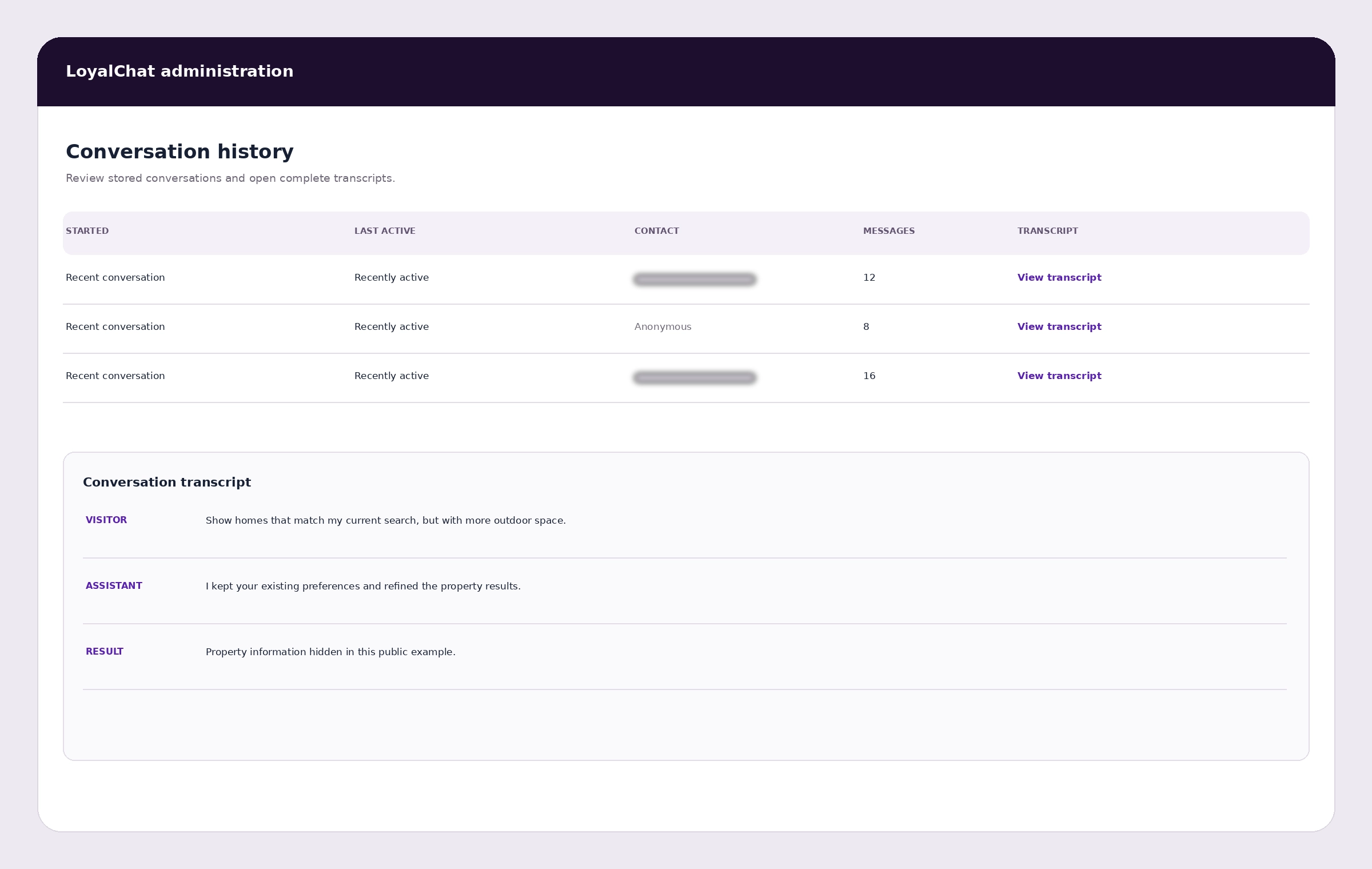
Administrators can review stored conversations and open complete transcripts to understand visitor questions, property interests and search behavior.
We confirm the connected products, searchable fields, lead flow and privacy requirements before production activation.
Confirm the audience, desired property-search journey and the actions visitors should be able to take.
Verify the authorized inventory and configure which supported fields LoyalChat can use for search.
Set the welcome experience, lead timing, privacy controls, page placement and available CRM actions.
Verify search quality, mobile behavior, consent recording, saved actions and request wording before launch.
LoyalChat usage is included according to the selected platform plan. Real Estate Edition requires LoyalMLS for conversational property search, and some follow-up actions require LoyalCRM capability. Review current plans or request a demo to discuss your setup.
Availability depends on the connected products, selected plan and configured website experience.
Yes. LoyalMLS provides the current property inventory used for conversational search and listing-result features.
Yes. LoyalChat keeps the active criteria in context so visitors can change individual requirements or ask for more results.
Yes, after signing in. Saved items are managed through the visitor’s LoyalMLS account.
Yes. LoyalChat supports multilingual conversations without publishing or promising a fixed language list.
When enabled, the visitor can request a visit for a selected listing. The request is awaiting confirmation; it is not presented as a confirmed booking.
No. When supported follow-up functionality is enabled, LoyalChat sends the request and tells the visitor that an agent will follow up.
No. Restoration is designed for the same browser and should not be presented as account-wide or cross-device chat history.
Show us your website, LoyalMLS setup and desired follow-up journey. We’ll review the requirements and demonstrate how LoyalChat can fit the experience.