
Turn MLS data into a property experience buyers want to use.
LoyalMLS brings authorized listing data to your WordPress website with flexible search, map discovery, lead capture and tools that help visitors return.
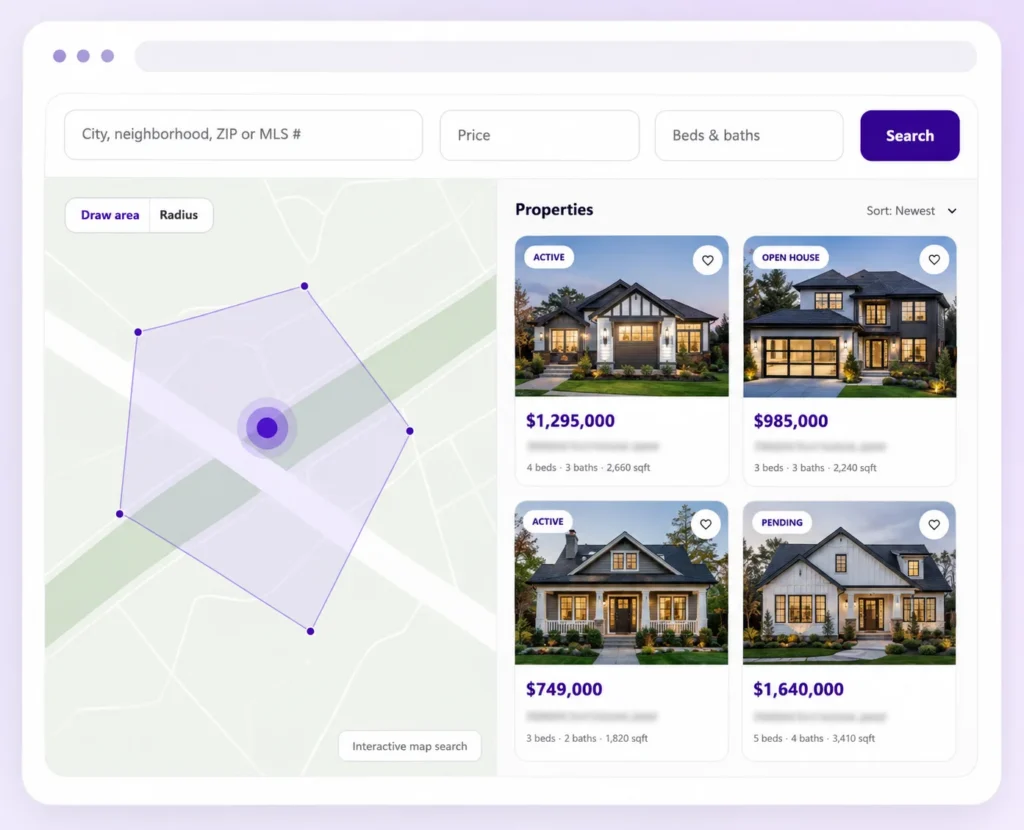
Your MLS connection and website experience—working together.
You do not need to manage the technical layers. We configure the data connection and give your website the tools to search and present listings.
LoyalMLS is delivered as one coordinated solution. Gateway handles the approved data feed; Bridge powers the experience on your WordPress website.
LoyalMLS Gateway
The managed connection that receives, organizes and keeps your authorized MLS data available for your website.
- Configured around the feed you are approved to access
- Field mapping and listing-data synchronization
- Controls for what data is imported and served
LoyalMLS Bridge
The WordPress layer that turns approved listing data into property search, listing pages and buyer-engagement tools.
- Search, map and listing-detail experiences
- Layouts, fields and access controls
- Favorites, saved searches and user accounts
Give visitors more ways to find the right property.
Start with a simple search, build a dedicated advanced-search page or let buyers explore by map. LoyalMLS keeps each route connected to the same listing experience.
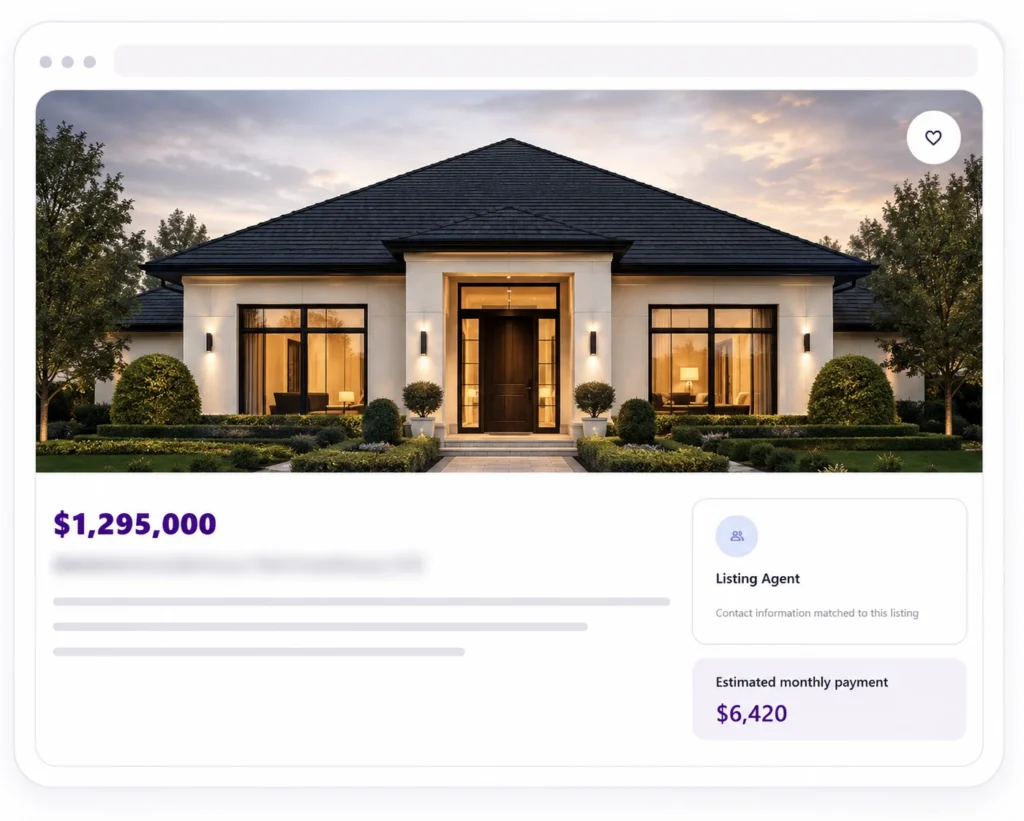
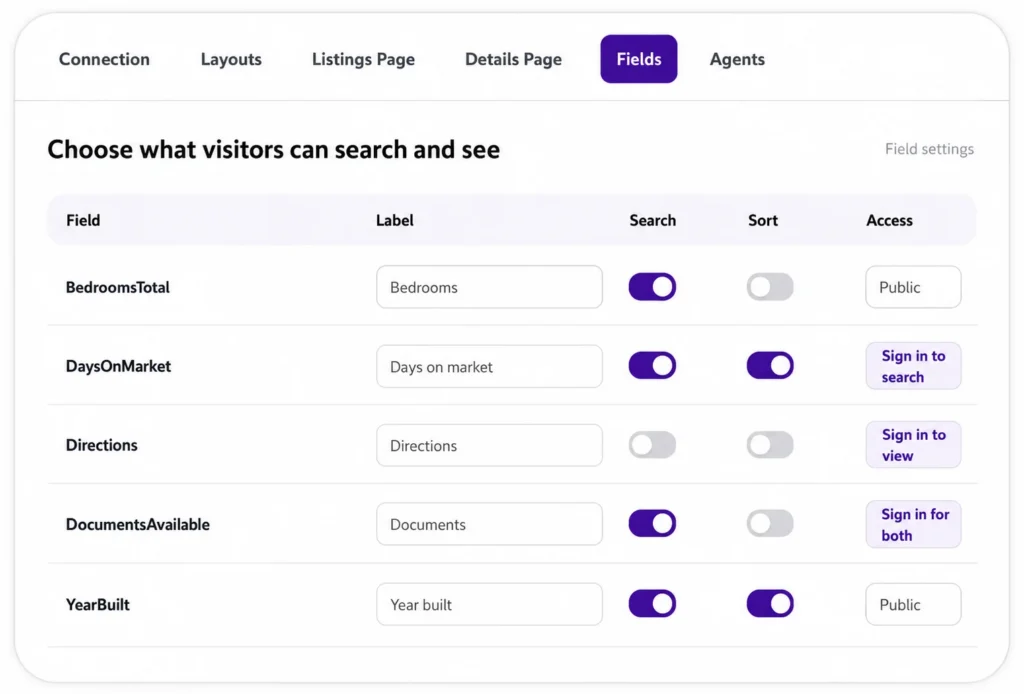
Decide what appears—and when visitors need to sign in.
Administrators can configure available fields for search, sorting and listing details, customize labels, organize detail sections and control the order of those sections.
Use the mapped fields you need and give visitors clear, website-friendly labels.
Place fields into the appropriate detail sections and arrange the section order.
Keep a field public, or require sign-in to search it, view it, or do both.
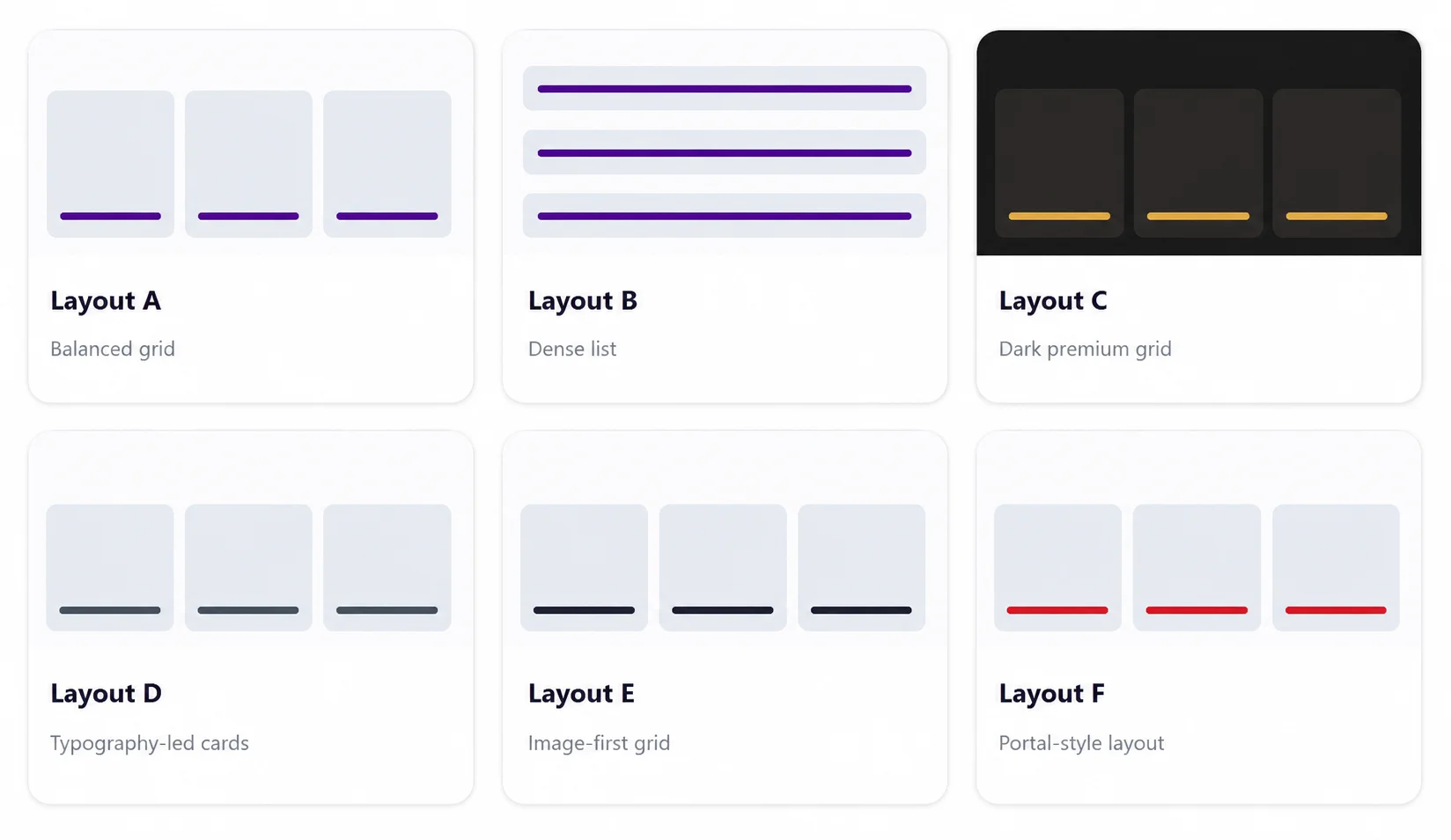
Start with a polished layout. Extend it when needed.
LoyalMLS includes built-in layouts, with more planned. It works without Elementor and can also be placed within Elementor-built pages.
For tailored projects, additional layout packages can be added without editing the LoyalMLS plugin core.
Help visitors return—and turn selected interactions into leads.
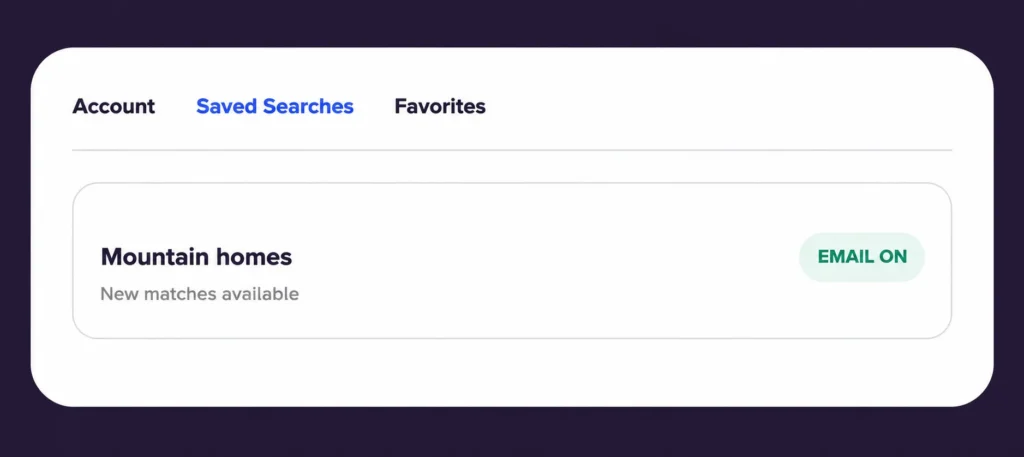
Buyers can create an account, save properties and searches, and receive email alerts when new listings match. Administrators choose the alert-delivery days.
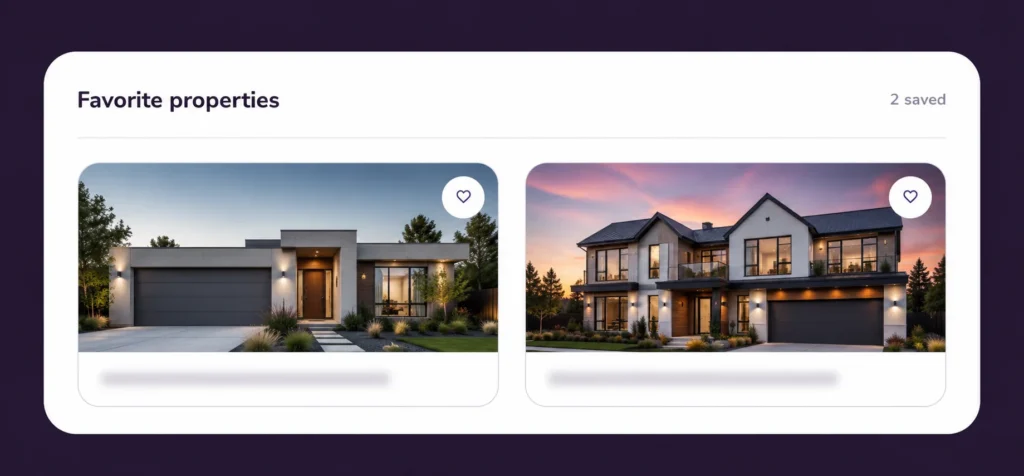
Favorites
Signed-in visitors can keep properties they want to revisit inside their dashboard.
Saved searches & alerts
Visitors can save search criteria and choose email alerts. The administrator controls which day or days alerts are sent.
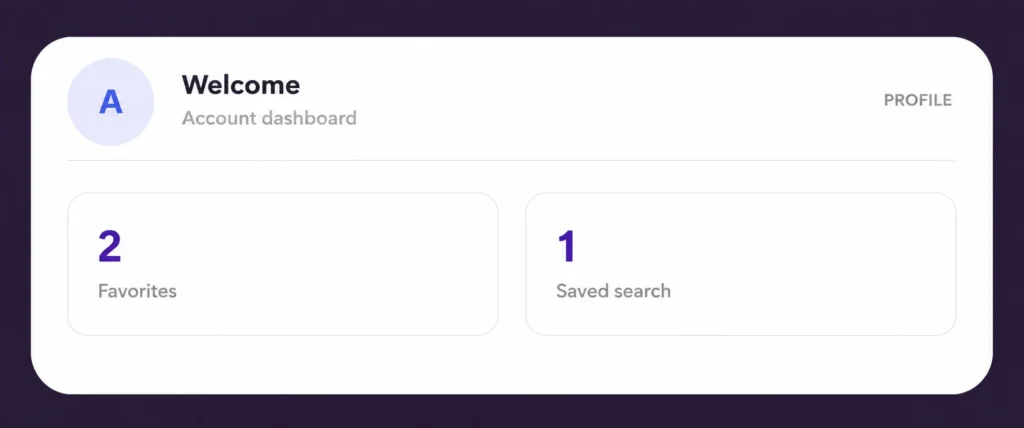
User dashboard
Visitors can manage their profile, review saved searches, open matching results and return to favorite listings.
More than a search-results page.
Available features depend partly on the fields, records and permissions supplied through the customer’s authorized MLS or data-provider access.
Agent & broker matching
Show the configured agent when listing information matches; use broker or office details as the fallback.
Open-house display
Display open-house information supplied by the approved listing feed. LoyalMLS does not currently create open-house events.
Sold data
Available when the agent or brokerage has the required rights and the authorized data provider supplies the records.
Mortgage calculator
Give visitors an on-page payment-estimate tool within the listing-detail experience.
Custom search placement
Create a tailored advanced search and place it on the WordPress page selected for that audience or purpose.
Elementor compatibility
Use LoyalMLS on Elementor-built pages while retaining the managed listing and search experience.
Market reports
Planned reporting experiences based on supported market and listing data.
Price history
Planned listing-price history presentation when supported by available data and permissions.
From feed approval to a working search experience.
We confirm access and requirements before promising a connection, feature set or implementation timeline.
Review your website and MLS access
We identify your website, audience, approved feed and the records you are allowed to use.
Configure Gateway
We connect the approved feed, map fields and configure what should be imported and served.
Configure Bridge
We set up search, layouts, fields, pages, access rules and agent or broker presentation.
Test and launch
We verify the listing experience, synchronization, responsive behavior and approved data use before launch.
Choose the scope that fits your business.
LoyalMLS is offered through platform plans with separate onboarding and implementation requirements. MLS or data-provider charges are separate when applicable. Review the pricing page, then request a proposal for your website and authorized feed.
Questions before you start.
Connection and data availability must be confirmed for each customer and provider.
Can LoyalMLS connect to my MLS?
LoyalMLS is designed for compatible authorized RESO Web API and RETS feeds. Final compatibility depends on your approved access, the provider’s implementation and the data rights available to you.
Do I need Elementor?
No. LoyalMLS includes its own layouts and can operate without Elementor. It is also compatible with Elementor-built pages when you want to place LoyalMLS experiences within an Elementor website.
Can I customize which fields visitors see?
Yes. Administrators can configure fields for search, sorting and listing details, change visitor-facing labels, organize fields into detail sections and control the order of those sections.
Can I require visitors to register before using certain listing data?
Yes. Each configured field can remain public or require sign-in for searching, viewing, or both. The exact setup should balance lead capture with a useful visitor experience.
How do saved-search alerts work?
Visitors can save a search and enable email alerts for new matching listings. The website administrator chooses which day or days of the week those alerts are sent.
Does LoyalMLS include sold data?
Sold data can be supported when the agent or brokerage has the required access and display rights and the authorized provider supplies the necessary records.
Are Market Reports and Price History available now?
Not yet. Both are planned features and are labeled Coming Soon. Their final availability will also depend on supported data and permissions.
Build a property-search experience around your website and your market.
Tell us about your WordPress website, MLS or data provider, approved access and the experience you want buyers to have. We’ll review the requirements before recommending the right scope.